


Beyondspace
Squarespace Plugin: Keyword Highlighter
Squarespace Plugin: Keyword Highlighter
Couldn't load pickup availability
Highlight content on Squarespace's page via keyword search, useful for directory website and other use cases. Help visitors/customers find a keyword on single page, allow them search the page with the arrow up/down for the highlighted keyword.
Visit website for check the plugin in live site: https://beyondspace-showcase.squarespace.com/keyword-highlighter?password=12345
NOTE: plugin will create a search box to highlight all the content on the page, so user should prepare page content on their own
Plugin comes with options:
- After install the dependencies, place the search form markup on a markdown or code block
- Assign the content that valid for the search (limit the search place in body instead of including footer and header...)
- Exclude elements from the search (such as headings h1,h2,h3...)
- Search bar with jump to matches: navigate through matched keyword, remove the keyword (like browser default page search feature)
- Easy to change matches color via css
Upon request, a demo page will be provided to client for previewing how the new input work.
After order an email will be sent to help install the code onto Squarespace website. Installation service available
License for single site only.
Materials
Materials
Shipping & Returns
Shipping & Returns
Dimensions
Dimensions
Care Instructions
Care Instructions

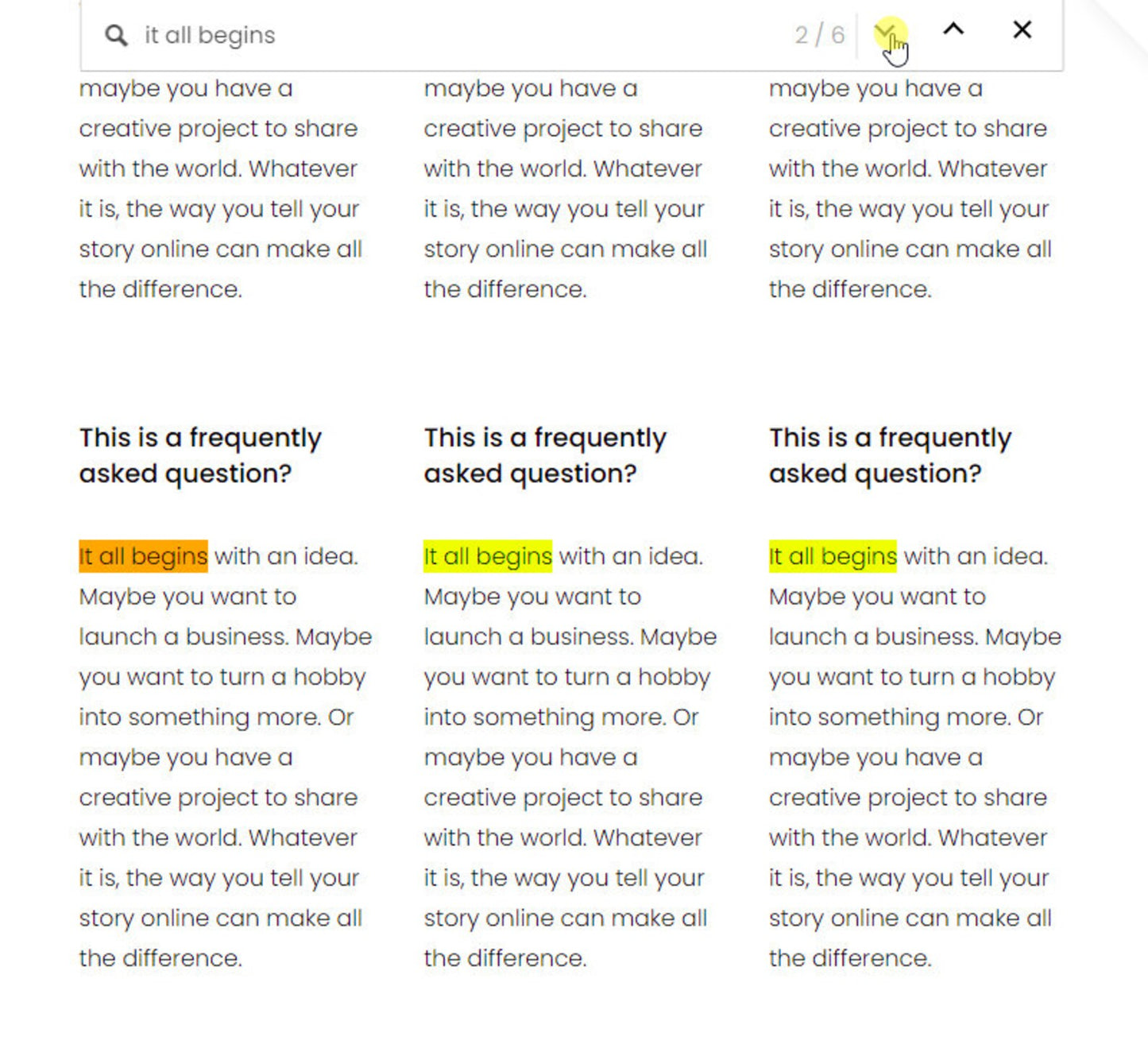
Image with text
Pair text with an image to focus on your chosen product, collection, or blog post. Add details on availability, style, or even provide a review.
-
Free Shipping
Pair text with an image to focus on your chosen product, collection, or blog post. Add details on availability, style, or even provide a review.
-
Hassle-Free Exchanges
Pair text with an image to focus on your chosen product, collection, or blog post. Add details on availability, style, or even provide a review.